When it comes to audio systems, you may find yourself facing a variety of issues that can disrupt your listening experience. Understanding these common problems is the first step toward effective troubleshooting. One of the most prevalent issues is a complete lack of sound.
This can stem from several sources, including faulty wiring, blown fuses, or even a malfunctioning head unit. You might also encounter intermittent sound, where audio cuts in and out unexpectedly. This can be particularly frustrating, as it often occurs without warning and can be difficult to diagnose.
Another common issue is poor sound quality, which can manifest as distortion, muffled audio, or an imbalance in sound levels. You may notice that certain frequencies are overpowering others, leading to an unsatisfactory listening experience. Additionally, if you’re using Bluetooth or other wireless connections, you might face connectivity issues that can affect audio playback.
Understanding these problems will empower you to take the necessary steps to troubleshoot and resolve them effectively.
- Common audio system issues can include sound quality problems, connectivity issues, and radio reception problems.
- Checking the power and connections is essential to ensure that the audio system is receiving the necessary power and that all connections are secure.
- Testing the speakers and amplifiers can help identify any issues with individual components that may be affecting the overall sound quality.
- Assessing the head unit and source is important to ensure that the audio source is functioning properly and providing a clean signal to the audio system.
- Troubleshooting Bluetooth and connectivity issues may involve resetting the connection, updating software, or checking for interference from other devices.
Checking the Power and Connections
Checking the Power Supply
Check the power cable and any fuses associated with your system. If you find a blown fuse, replacing it could resolve your issue immediately. You should also verify that the power outlet is functioning correctly by testing it with another device.
Inspecting Connections Between Components
Next, examine all connections between components. Loose or corroded connections can lead to a variety of audio issues, including loss of sound or poor quality. Make sure that all cables are securely plugged in and that there are no visible signs of wear or damage.
Maintaining Optimal Performance
If you notice any frayed wires or bent connectors, replacing them may be necessary to restore optimal performance. Taking the time to ensure that your power supply and connections are in good condition can save you a lot of headaches down the line.
Testing the Speakers and Amplifiers
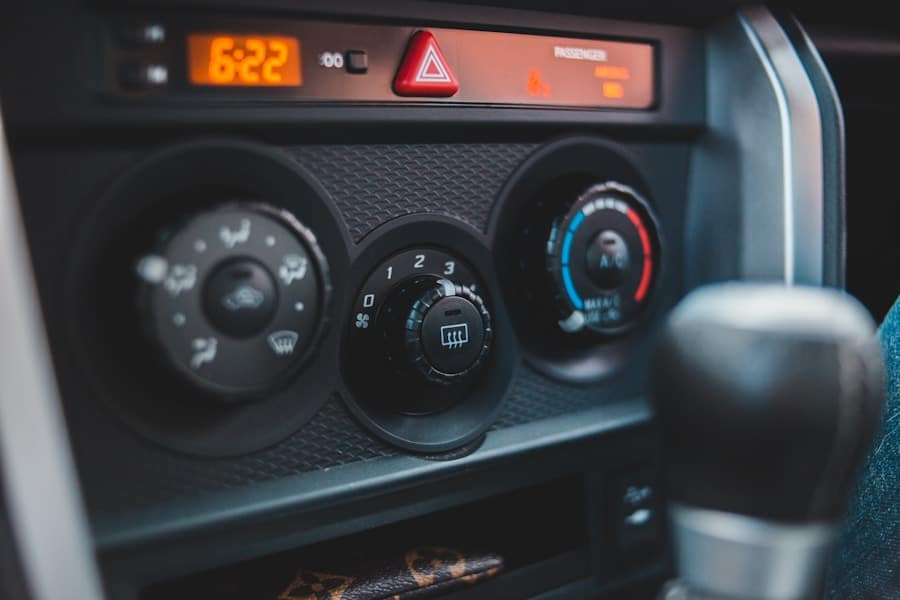
Once you’ve confirmed that your audio system is powered and connected properly, it’s time to test the speakers and amplifiers. Start by playing a familiar track at a moderate volume to assess the sound output from each speaker. Listen carefully for any discrepancies in sound quality or volume levels between speakers.
If one speaker sounds significantly quieter or distorted compared to the others, it may indicate a problem with that specific unit. In addition to testing individual speakers, you should also evaluate the amplifier’s performance. If your system includes an external amplifier, ensure that it is functioning correctly by checking its settings and connections.
Sometimes, amplifiers can become overloaded or overheated, leading to performance issues. If you suspect an amplifier problem, consider temporarily bypassing it by connecting your speakers directly to the head unit to see if the sound quality improves. This step can help you determine whether the issue lies with the amplifier or another component of your audio system.
Assessing the Head Unit and Source
The head unit is often considered the heart of your audio system, so assessing its functionality is crucial in troubleshooting audio issues. Begin by checking the settings on your head unit. Ensure that the volume is turned up and that any equalizer settings are appropriately adjusted for your listening preferences.
Sometimes, simple misconfigurations can lead to significant sound quality issues. Next, consider the source of your audio. Whether you’re using a CD player, streaming service, or radio, each source can introduce its own set of problems.
If you’re experiencing issues with a specific source, try switching to another one to see if the problem persists. For instance, if you’re having trouble with Bluetooth playback, switch to a wired connection and see if that resolves the issue. By isolating the source of the problem, you can better understand where the fault lies and take appropriate action.
Troubleshooting Bluetooth and Connectivity
In today’s digital age, Bluetooth connectivity has become a staple in modern audio systems. However, this convenience can sometimes come with its own set of challenges. If you’re experiencing issues with Bluetooth connectivity, start by ensuring that both your audio system and device are within range of each other.
Interference from other devices or obstacles can disrupt the connection, so try moving closer together. If you’re still having trouble connecting via Bluetooth, consider unpairing and then re-pairing your device with the audio system. This process can often resolve minor glitches that may be causing connectivity issues.
Additionally, check for any software updates for both your audio system and device; outdated software can lead to compatibility problems. By taking these steps, you can often restore seamless connectivity and enjoy uninterrupted audio playback.
Addressing Sound Quality and Distortion
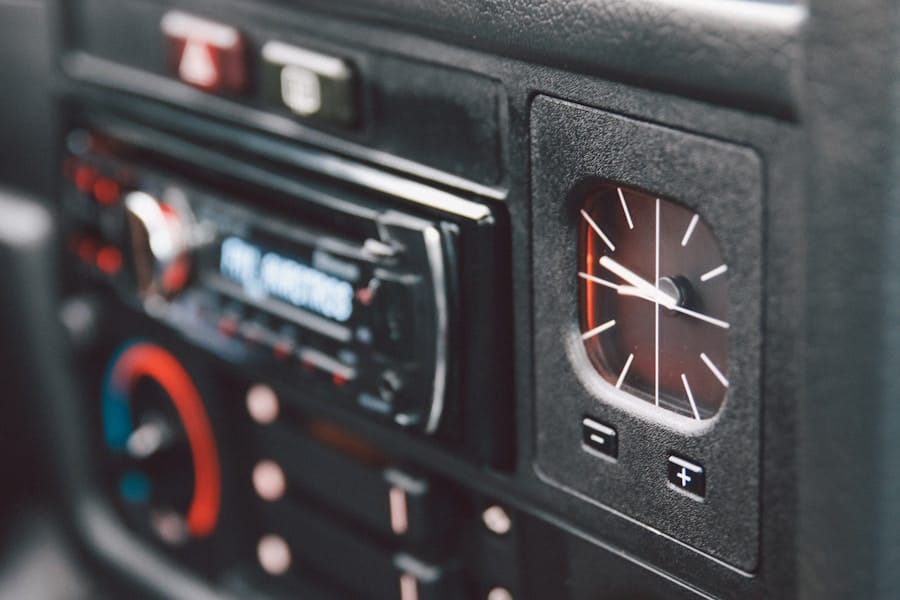
Equalizer Settings: The Key to Clarity
When it comes to enjoying your favorite music or podcasts, sound quality is crucial. If you’re experiencing distortion or poor sound quality, the first thing to check is the equalizer settings on your head unit. Overly aggressive settings can lead to distortion at higher volumes, which can be resolved by adjusting them to more moderate levels. This simple tweak can often improve clarity and balance, resulting in a more enjoyable listening experience.
Speaker Placement: A Critical Factor
Another potential cause of sound quality issues is speaker placement. If your speakers are positioned too close to walls or corners, they may produce unwanted resonance or echo effects that distort sound quality. Experimenting with speaker placement can yield significant improvements in audio performance. By finding the optimal placement, you can minimize unwanted effects and maximize sound quality.
Audio File Quality: The Final Piece of the Puzzle
Lastly, consider the quality of your audio files. Low-bitrate files may not provide the clarity you desire, which can negatively impact your overall listening experience. By addressing these factors, you can enhance your sound quality and enjoy your music or podcasts to the fullest.
Dealing with Radio Reception Problems
If you rely on radio for your audio entertainment, poor reception can be particularly frustrating. Start by checking the antenna; ensure it is fully extended and free from obstructions. Sometimes, simply adjusting the position of the antenna can lead to improved reception quality.
If you’re using an external antenna, make sure it’s properly connected and positioned for optimal signal strength. In some cases, radio reception problems may be due to interference from other electronic devices or structures nearby. If possible, try relocating your audio system to a different area to see if reception improves.
Additionally, consider investing in a signal booster if you frequently experience weak reception in certain locations. By taking these steps, you can enhance your radio listening experience and enjoy clearer broadcasts.
Seeking Professional Help and Maintenance
While many audio system issues can be resolved through troubleshooting and basic maintenance, there may come a time when seeking professional help is necessary. If you’ve exhausted all troubleshooting options without success, it may be time to consult an expert who specializes in audio systems. Professionals have access to specialized tools and knowledge that can help diagnose complex issues that may not be apparent through standard troubleshooting methods.
Regular maintenance is also crucial for keeping your audio system in top shape. Dust and debris can accumulate over time, affecting performance and sound quality. Consider scheduling routine cleanings and inspections with a professional technician to ensure that all components are functioning optimally.
By investing in professional help and maintenance when needed, you can prolong the life of your audio system and enjoy high-quality sound for years to come. In conclusion, understanding common audio system issues and knowing how to troubleshoot them effectively is essential for any music lover or audiophile. By following these steps—checking power and connections, testing speakers and amplifiers, assessing the head unit and source, troubleshooting Bluetooth connectivity, addressing sound quality concerns, dealing with radio reception problems, and seeking professional help when necessary—you can ensure that your audio system delivers an exceptional listening experience every time you press play.
If you are looking for more information on maintaining your vehicle, you may want to check out this article on auto body repair careers. This article discusses the opportunities available in the auto body repair industry and how it can lead to job satisfaction and growth. It is important to keep your vehicle in top condition, both inside and out, so learning about different aspects of car maintenance can be beneficial.
FAQs
What are the common issues with automobile audio systems?
Some common issues with automobile audio systems include no sound, distorted sound, low volume, and issues with the radio reception.
How can I troubleshoot a car audio system with no sound?
If your car audio system has no sound, you can start by checking the connections, fuses, and the volume level. You can also try playing different sources such as radio, CD, or Bluetooth to see if the issue is with a specific source.
What should I do if my car audio system has distorted sound?
If your car audio system has distorted sound, you can check the speaker connections, adjust the equalizer settings, and make sure that the speakers are not damaged. It’s also important to check the audio source for any issues.
How can I troubleshoot low volume issues with my car audio system?
If your car audio system has low volume, you can check the volume level on the head unit, adjust the balance and fader settings, and make sure that the speakers are functioning properly. You can also check for any obstructions in the speaker grilles.
What are some troubleshooting procedures for radio reception issues in a car audio system?
If you are experiencing radio reception issues in your car audio system, you can try adjusting the antenna, checking the antenna connections, and scanning for available stations. You can also consider installing a signal booster or replacing the antenna if necessary.